
Gaming Laptop Rentals in Australia
Gaming laptop rentals: fast access to high-end rigs
Gaming laptop rentals offer Australians immediate access to cutting edge technology without the significant upfront investment required for purchasing.
ApsisVR rents computers to corporates, schools, government agencies and registered businesses. It does not rent for individuals. They are not purely a rental company but can provide you support to convert your gaming rental into a great VR gaming experience.
In 2025, renters can access the latest RTX 40-series graphics cards, high-refresh 15.6”–17.3” displays, and blazing-fast NVMe SSDs through flexible rental agreements that suit both short-term projects and extended gaming sessions.
If you are looking to organise a large corporate event or need laptop or PCs for gaming then Apsis VR can support you with that need. We have used gaming pc that we have used widely for Virtual Reality entertainment that can be hired even with your favourite headsets.
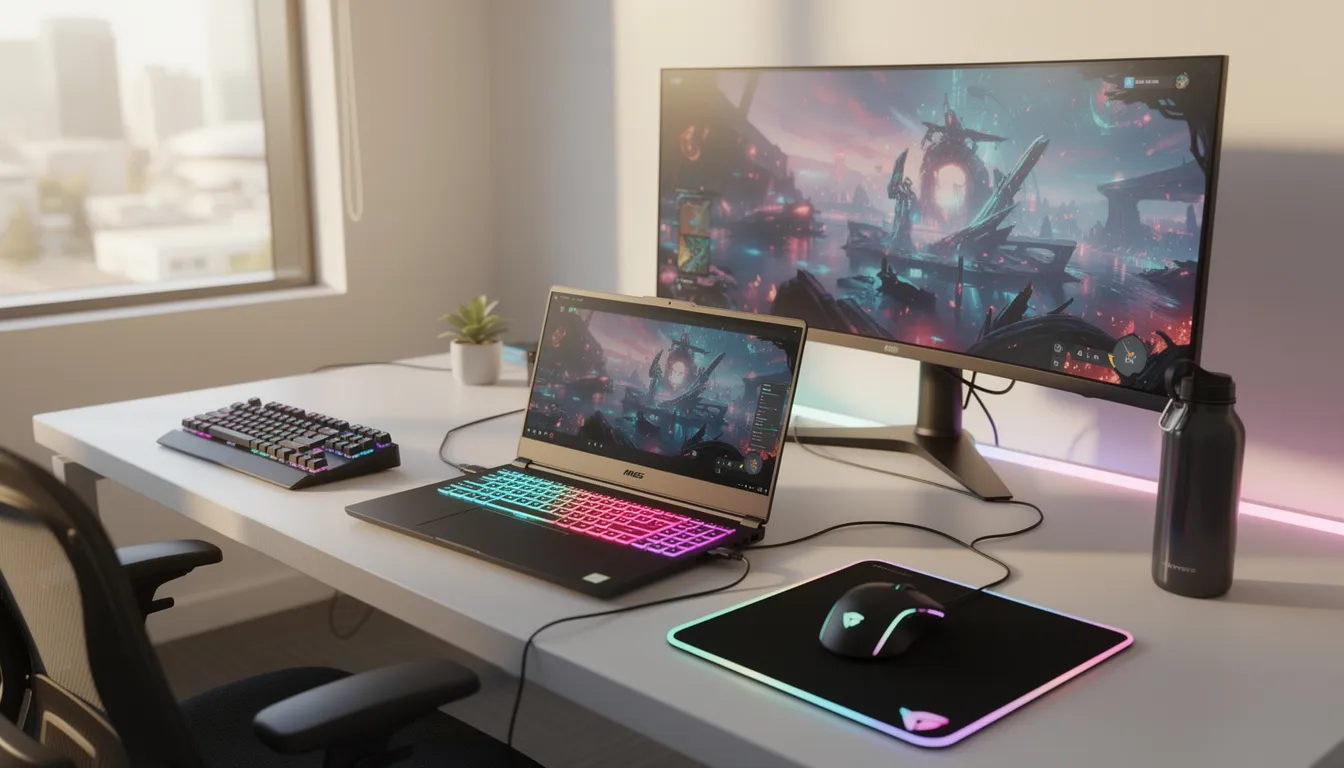
These gaming computers serve diverse needs across Australia:
-
AAA gaming and competitive esports tournaments
-
Video editing and 3D rendering projects
-
Study sessions combined with after-hours gaming
-
LAN parties and weekend gaming events
-
Short-term creative and business projects
Apsis VR deliver to major Australian cities including Sydney, Melbourne, Brisbane, Perth, and Adelaide, with courier networks extending coverage across regional areas. This accessibility means you can rent gaming computers without geographic limitations, whether you’re in a metropolitan center or regional location.
If you are looking for a gaming computer rental today then you would pay a significant premium by trying to order at the last minute.
Why rent a gaming laptop or PC instead of buying?
Purchasing a high-performance gaming laptop typically requires a $2,500–$4,000 investment, while gaming computer rental offers a more flexible financial approach. Rather than paying thousands upfront, renters can access the same cutting edge technology for a fraction of the cost during periods when they actually need the processing power.
Cost advantages extend beyond initial savings. Rental payments can often be expensed for business or freelance work, providing tax benefits that outright purchases may not offer. This is particularly valuable for creative professionals who need powerful hardware for specific projects but don’t require year-round ownership.
Flexibility proves crucial for many Australian users. Students might need high-performance gaming computers during university breaks or exam periods, while professionals may require additional processing power for seasonal projects. Renting allows users to match their hardware access with their actual usage patterns rather than owning expensive equipment that sits idle.
Technology turnover in gaming hardware moves rapidly. The shift from RTX 3060 to RTX 4080 graphics cards between 2021 and 2024 demonstrates how quickly specifications advance. When you rent computers, you can access newer GPU and CPU generations without worrying about your owned hardware becoming outdated or losing resale value.
Risk reduction makes rentals particularly appealing. Renters avoid long-term commitments, potential resale losses, and warranty complications. If hardware fails or doesn’t meet expectations, the rental agreement provides clear resolution paths without the stress of repairs, replacements, or depreciation concerns.
What you can rent: typical gaming laptop specs and models
Australian rental providers offer three primary tiers of gaming computers to match different performance needs and budget considerations. Each tier provides specific capabilities that align with particular use cases and software requirements.
Entry-level options. These laptops typically feature RTX 3050 graphics cards, 8–16 GB RAM, 512 GB SSD storage, and 144 Hz FHD displays. Apsis VR has used these machines to host 1000’s of customers to play the most high demanding VR escape rooms and games.
Mid-range selections encompass laptops . These gaming computers typically include RTX 4060 graphics cards, 16 GB RAM, 1 TB SSD storage, and 165 Hz QHD displays. This tier supports 1080p–1440p gaming across demanding titles and provides excellent performance for content creation workflows in Adobe Creative Suite or similar professional software.
High-end options feature premium models like MSI Raider and Razer Blade series. These top-tier gaming computers include RTX 5070 graphics cards, Intel Core i9 or AMD Ryzen 9 processors, 32 GB RAM, and 2 TB SSD storage. This configuration excels at VR gaming, 3D rendering, 4K content creation, and handles the most demanding tasks without performance compromises.
Common features across all tiers include RGB backlit keyboards, Wi‑Fi 6/6E connectivity, USB‑C ports, and HDMI 2.1 outputs for external 144 Hz monitors. Most rental gaming computers also provide decent battery life for mobile gaming sessions and include premium cooling systems to maintain performance during extended use.
Who benefits most from gaming laptop rentals?
Gaming computer rental serves a diverse range of Australian users, each with specific needs that make renting more practical than purchasing outright.
Gamers represent the most obvious rental market. Short-term rentals make sense for major game releases – imagine renting a high-end gaming pc for a month to experience a massive RPG launch in 2025, then returning it once you’ve completed the experience.
Creative professionals use rentals for project-based work. Video editors working with DaVinci Resolve or Adobe Premiere Pro on location shoots around Australia can rent gaming computers with sufficient processing power for 4K footage and complex effects rendering. This approach eliminates the need to transport valuable personal equipment to various job sites.
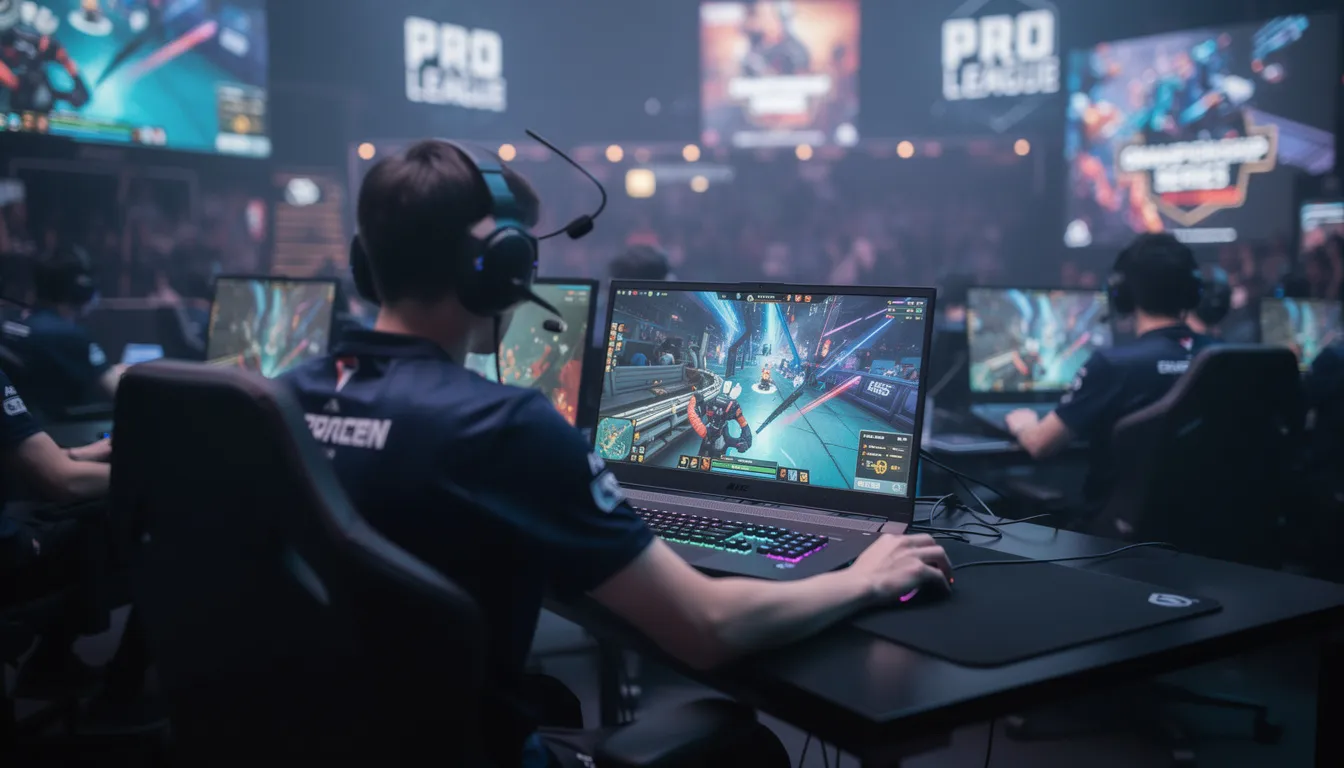
Esports and event organizers require consistent hardware. LAN nights, charity tournaments, and weekend gaming events often need 10–30 identical laptops preconfigured with specific games and settings. Rental providers can deliver matched gaming computers that ensure fair competition and consistent performance across all participants.
Remote workers and digital nomads value portable power. Professionals travelling around Australia may need powerful, yet portable, systems for specific projects without the hassle of transporting expensive personal equipment. Gaming computer rental provides access to high-performance hardware in different cities without shipping or security concerns.
How gaming laptop rentals work in Australia
The rental process follows a structured approach designed to ensure smooth transactions and reliable service delivery across Australian markets.
Initial enquiry and quotation begin the process. Customers complete online inquiry forms or contact providers by phone, specifying required CPU, GPU, RAM configurations, and rental duration. Providers respond with detailed quotes that include base rental rates, delivery costs, and any additional accessories or services requested.
Approval and documentation establish the rental agreement. Customers sign digital rental agreements that outline terms, responsibilities, damage policies, and return procedures clearly.

Delivery and setup streamline the user experience. Courier services typically reach metro areas within 1–3 business days, with regional deliveries taking slightly longer. Gaming computers arrive with pre-installed Windows 11, updated drivers, and common launchers like Steam, Meta Horizon and other games already configured for immediate use.
During rental support ensures smooth operation. Most rental packages include technical support for software issues, hardware replacement coverage for genuine faults, and the ability to extend rental terms if projects run longer than expected. This support structure helps users maximize their rental value while minimizing downtime.
Return or upgrade options provide flexibility. Providers arrange pickup services when rentals conclude, often offering rent‑to‑own pathways for users who want to purchase their rental units. Some companies also allow mid-rental upgrades if users need more processing power for evolving project requirements.
Key features to compare when choosing a gaming laptop rental
Specification selection requires careful consideration since rental periods limit opportunities to switch devices if initial choices prove inadequate for intended demanding tasks.
Performance priorities should emphasize GPU selection first. RTX 3070 still works very well for gaming as ApsisVR has used it for their VR arcades, however you can still go for 4060 or 5070. Our machines providing excellent performance across modern games and professional applications because we have used to host VR gaming experiences to customers. CPU selection follows, with Intel 13th/14th Generation or AMD Ryzen 7000 series processors offering sufficient processing power for most use cases. RAM configuration should start at 16 GB minimum, with 32 GB preferred for content creation and multitasking workflows.
Display characteristics significantly impact user experience. 1080p or 1440p displays with 144 Hz or higher refresh rates provide smoother gameplay and competitive advantages in fast-paced titles. Higher refresh rates become particularly important for esports applications where every frame matters for competitive performance.
Storage capacity must accommodate modern game libraries. At minimum, 1 TB NVMe SSD storage ensures adequate space for today’s demanding titles. Games like Call of Duty can require 150+ GB, Cyberpunk 2077 needs 70+ GB, and Starfield demands 125+ GB, meaning smaller storage options quickly become limiting factors.
Portability and thermal management affect practical usability. Users who plan to carry laptops between home, university, and work should consider weight and thickness specifications. Robust cooling designs prevent performance throttling during extended sessions and reduce fan noise in shared spaces.
Connectivity and expansion options enhance versatility. Ethernet ports provide stable connections for competitive online gaming, USB‑C supports modern docks and displays, while HDMI/DisplayPort outputs enable multiple monitor setups. Optional accessories like gaming mice, headsets, and external keyboards can complete professional setups.
Add VR headsets for more enjoyment. We have a mix of HTC Vive Pro, Oculus 2 and 3 headsets that you can rent with our PCs and laptop computer with cutting-edge technology to create your VR unit
Costs, rental terms, and typical durations
Pricing structures vary based on hardware specifications, brand positioning, and rental duration, with most Australian providers offering weekly or monthly billing cycles that provide cost predictability.
Rental ranges typically start with entry-level gaming computers at modest weekly rates, progressing through mid-range options with higher weekly costs, and culminating in premium gaming PC configurations at top-tier weekly rates. These rates generally represent good value when compared to purchase prices, particularly for short-term needs or project-based work.
Common rental terms accommodate different usage patterns. Weekend rentals suit events and short gaming sessions, while 1–4 week rentals work well for holidays or single projects. Extended 3–12 month rentals provide cost-effective solutions for longer event periods or major creative projects requiring consistent access to high-performance hardware.
Additional costs may include security deposits, delivery fees for regional areas, and optional damage waiver coverage. Security deposits typically reflect a percentage of the gaming computer’s value and return upon successful rental completion. Delivery charges may apply outside major metropolitan areas, while damage waivers provide peace of mind for users concerned about accidental damage fees.
Some providers offer rent‑to‑own pathways after 18–36 months of consistent rentals, while others focus purely on rental services without ownership transfer options. These arrangements can provide paths to ownership for users who discover they need long-term access to specific gaming computers.
Accessories and bundles to enhance your rental
Australian renters often add complementary accessories to create complete gaming setups that maximize their rental investment and provide professional-grade experiences.
External monitors significantly enhance desktop gaming experiences. Pairing rental laptops with 24”–27” FHD or QHD monitors at 144 Hz or higher refresh rates provides larger displays and better ergonomics for extended gaming sessions. This configuration works particularly well for competitive gaming and content creation workflows.
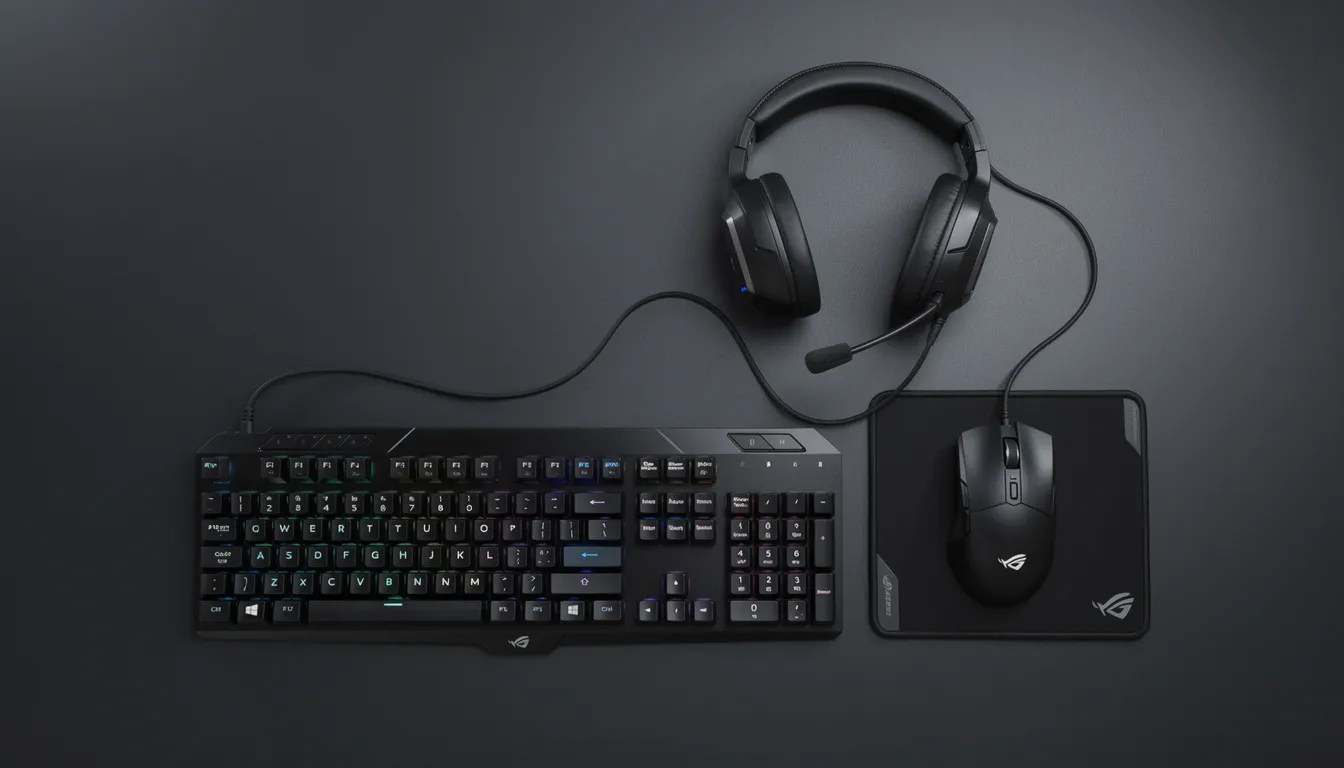
Input devices improve control precision and comfort. Mechanical keyboards provide tactile feedback preferred by many gamers, while gaming mice with adjustable DPI settings offer precision control for different game types. Extended mouse mats create consistent surface areas for accurate movement tracking across all mouse sensitivity settings.
VR headsets enhances immersion and communication. VR headsets with surround sound capabilities improve game immersion and spatial awareness, while noise-cancelling microphones ensure clear communication during online multiplayer sessions and streaming activities.
USB Cables. USB cables rather than wireless connectivity can provide better speed and performance. As part of the laptop hire or gaming PC hire you can request for a USB cable to be included if you are also using a VR headset.
Streaming equipment enables content creation. Optional webcams, dedicated microphones, and capture cards allow renters to stream on Twitch or YouTube during their rental periods, potentially generating content that justifies rental costs through viewer engagement and monetization.
Tips to get the most out of your gaming laptop rental
Rental periods have defined endpoints, making preparation and optimization crucial for maximizing value and avoiding unnecessary complications or additional costs.
Pre-planning digital accounts and downloads saves valuable rental time. Create Steam, Xbox Game Pass, Meta Horizon and other accounts before your gaming computer arrives, then begin downloading desired games immediately upon delivery. Even better, Apsis VR can do this for you before it arrives if you do not have the time or resources. Large modern games can take hours to download, so starting this process early maximizes available gaming time.
Performance optimization ensures smooth gameplay experiences. Configure Nvidia or AMD graphics drivers for performance mode rather than power saving, update drivers only from official manufacturer websites to avoid compatibility issues, and utilize built-in gaming profiles that optimize system resources for specific applications.
Data management strategies simplify the return process. Use cloud storage services like OneDrive or Google Drive for game saves and project files, or invest in an external SSD for local backups. This approach ensures important data transfers easily between devices and survives rental returns without complications.
Hardware care protects against damage fees. Use cooling pads to prevent overheating, ensure vents remain unblocked during use, and keep food and beverages away from the gaming computer to avoid accidental spills or damage. These simple precautions prevent costly damage assessments during return inspections.
Provider communication prevents problems before they escalate. Contact rental support immediately for performance issues, suspected hardware defects, or extension requests rather than waiting until problems worsen. Early communication often resolves issues quickly and prevents rental agreement complications.
Frequently asked questions about gaming laptop computer rentals
Understanding common concerns helps potential renters make informed decisions and set appropriate expectations before signing rental agreements with Australian providers.
Availability and model selection vary by provider and timing. Most rental companies allow customers to request specific brands like Acer Nitro 5, ASUS ROG Strix, or Lenovo Legion models, though exact availability depends on current inventory and demand. Popular models during peak seasons may require advance booking to ensure availability.
Age and identification requirements follow standard Australian practices. Renters typically must be over 18 and provide valid photo identification for verification. Some providers may require additional documentation for large orders or extended rental periods, particularly for business or educational institution rentals.
Damage policies distinguish between normal wear and accidental damage. Minor wear from regular use generally falls within acceptable limits, while accidental damage like spills, drops, or hardware failures due to misuse may incur additional charges. Optional insurance or damage waivers can provide protection against unexpected costs.
Software installation typically allows reasonable use. Most providers permit renters to install games, productivity software, and other applications for legitimate use, subject to software licensing agreements and legal compliance. Some restrictions may apply to software that could compromise system security or violate licensing terms.
Advance booking becomes crucial during high-demand periods. Christmas holidays, school holiday periods, and major game launch weeks often see increased rental demand. Booking 2–4 weeks in advance during these peak times helps ensure availability of preferred gaming computer specifications and models.
How to choose the right gaming laptop rental provider
Gaming PC and laptop computer renters have multiple provider options, making careful comparison important for finding a reliable service that extends beyond competitive weekly pricing.
Experience in using and hosting gaming experiences. Most providers lease machines and provide rentals. Where as Apsis VR actually have experience in hosting large events and years of experience operating VR arcades. They have deep knowledge and expertise to support you and setup your event too.
Service quality indicators include customer reviews, support response times, and hardware replacement policies. Look for providers with consistently positive feedback regarding communication, problem resolution, and equipment quality. Fast response times for technical issues and clear hardware replacement procedures indicate professional service standards.
Equipment selection depth affects matching options to specific needs. Choose providers offering diverse GPU options, multiple CPU configurations, and various brands to ensure suitable matches for different budgets and use cases. Broader selection increases the likelihood of finding ideal specifications without compromising on requirements.
Contract transparency prevents unexpected costs and complications. Read rental agreement terms carefully, paying particular attention to fee structures, late return policies, damage assessment procedures, and any rent‑to‑own clauses. Transparent providers clearly outline all potential costs and responsibilities upfront without hidden fees or ambiguous language.
Technical support and preconfiguration services add significant value. Select companies that preinstall current drivers, popular game launchers, and any requested business or creative software. This service level reduces setup time and ensures optimal performance from the first day of rental.
Geographic coverage and logistics capabilities affect delivery speed and costs. Providers with warehouses across multiple Australian states (NSW, VIC, QLD, WA, SA) typically offer faster delivery times and lower freight costs. Local presence also enables better support and more efficient equipment pickup services.
Conclusion: is gaming laptop rental right for you?
Gaming laptop rentals provide an excellent solution for Australian users who need short-term access to high-performance computing without long-term ownership commitments. Students balancing study with gaming, creative professionals managing project deadlines, and event organizers planning tournaments all benefit from the flexibility and cost advantages that gaming computer rental offers.
The primary benefits – avoiding significant upfront investment, accessing cutting edge technology, and maintaining flexible terms that scale with changing needs – make rentals particularly attractive in today’s rapidly evolving hardware landscape. Rather than committing thousands of dollars to equipment that may become outdated, renters can continuously access current-generation gaming computers that match their specific requirements.
Before requesting quotes from providers, list your budget constraints, required specifications, and intended rental duration. This preparation helps ensure you receive accurate pricing and find the right device for your needs without overspending on unnecessary features or underestimating performance requirements.
As GPU and CPU technology continues advancing rapidly, gaming laptop rentals offer Australian users a smart path to experience cutting-edge gaming computers without the financial commitment and depreciation risks of ownership. Whether you need access for a weekend tournament or a months-long creative project, rental options provide the flexibility modern users require.
Please get in touch with us below and one of our team members will get back to you as soon as possible.
